



Know what to say
Move from scattered ideas to recognizable territory your audience can understand.


The Learner Experience
Bedford Studio gives you a full year to build your Creator Operating System, publish real work, learn from the response, and improve through coaching, creator feedback, Skill Labs, and peer accountability.
Weeks 1 to 6
Build the system
Months 2 to 3
Establish the rhythm
Months 4 to 6
Read the signals
Months 7 to 9
Connect the work to conversations
Months 10 to 12
Make the practice durable
Across the Studio Year
Early work requires clarity, structure, and momentum. Later work requires stronger judgment, better use of response, and a practice that can survive normal professional life.
Weeks 1 to 6
Clarify your audience, voice, point of view, workflow, and first body of public work.
Months 2 to 3
Use your Creator Operating System to publish consistently without restarting from zero.
Months 4 to 6
Use replies, questions, feedback, and silence to strengthen the next round of work.
Months 7 to 9
Turn recurring questions, referrals, and warm introductions into useful professional follow-up.
Months 10 to 12
Refine the system, body of work, and publishing rhythm so the practice can continue beyond Bedford.
The six-week immersive gets the work moving. The rest of the year gives you enough real material to make the feedback, coaching, and decisions increasingly specific.
ONE CONNECTED EXPERIENCE
Your Creator Operating System preserves context. Coaching turns friction into action. Creators raise the quality. Skill Labs remove practical bottlenecks. Peers help keep the work visible and moving.
Keeps your audience, voice, ideas, workflow, and professional goals connected.
Works through blockers and ends with a clear next action.
Brings taste, critique, examples, and format fluency to real work.
Build the specific skill required when a tool, format, workflow, or channel slows the work down.
Create accountability and useful review around work that is actually being made.
Creator Blueprint
The Blueprint is the strategic foundation of your Creator Operating System. It surfaces the expertise, stories, patterns, judgment, and point of view inside your experience, then evolves as your coach, published work, and audience response create new information.

COACHING
Coaching begins where the work stalls. Together, the learner and coach examine what was committed, what was published, what got stuck, which signals appeared, and what should happen next.
This sounds generic.”
Add lived experience, concrete examples, and a sharper point of view.
I do not know what to say.”
Return to the audience, recent conversations, and the next useful idea.
Nobody engaged.”
Separate weak signal from weak work and define the next test.
Someone replied.”
Turn engagement into a useful follow-up action.
Skill Labs
Skill Labs meet the work when a format, tool, workflow, channel, analysis task, or follow-up process is slowing down the next round.
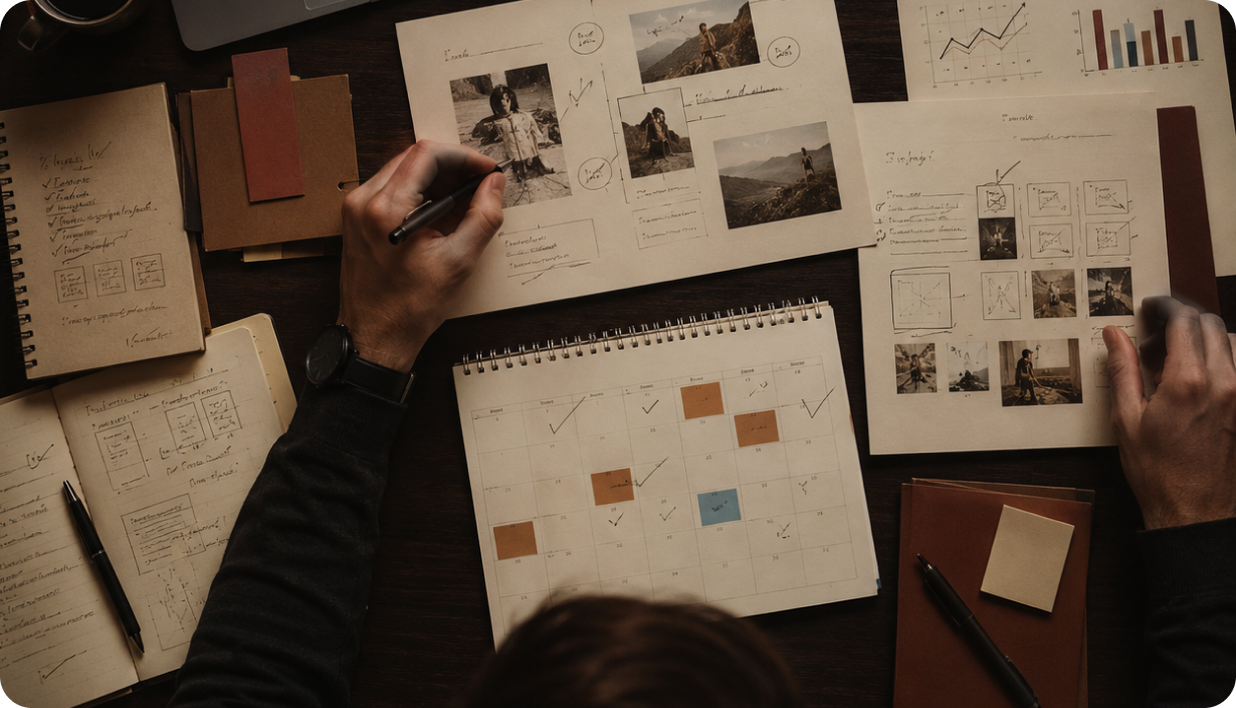
Create, publish, review, and improve every week until consistency becomes part of how you work.
Use coaching, feedback, and accountability to work through the blockers specific to you.
Leave with a Creator Operating System built around your expertise, goals, and workflow.
Learn from creators and operators who understand storytelling, platforms, audiences, and trust.
Use performance and opportunity signals to understand what is working and what to develop next.
First publishing reps, workflow setup, draft review, and confidence with tools.
Expand formats, repurpose stronger work, read signals, and improve follow-up.
Keep the practice current as tools, platforms, and audience behavior change.
EVERY MILESTONE
Coaching begins where the work stalls. Together, the learner and coach examine what was committed, what was published, what got stuck, which signals appeared, and what should happen next.
Turn a real idea into concrete work.
Use your Creator Operating System, coaching, creator critique, or peers to make it stronger.
Put the work where the right people can encounter it.
Read replies, referrals, questions, and silence.
Carry what you learned into the next round.
What changes
WHAT BEDFORD DOES AND DOES NOT DO

Bedford Studio
Tell us about your work, goals, blockers, and timing.